MCP
Scalar lets you build an MCP (Model Context Protocol) server from your OpenAPI document. You choose which endpoints to expose, configure how each one behaves, and connect it to any compatible AI client.
Using an MCP
To connect an MCP to an AI client:
- Create an MCP in the Scalar dashboard
- Configure your tools — add the endpoints you want to expose
- Create an installation and an API key
- Copy the installation URL and API key and add them to your MCP client
The exact steps for adding an MCP server depend on your client — refer to its documentation for details.
Tools
Tools are the individual capabilities your MCP exposes. Each tool maps to an operation (endpoint) in your OpenAPI document.
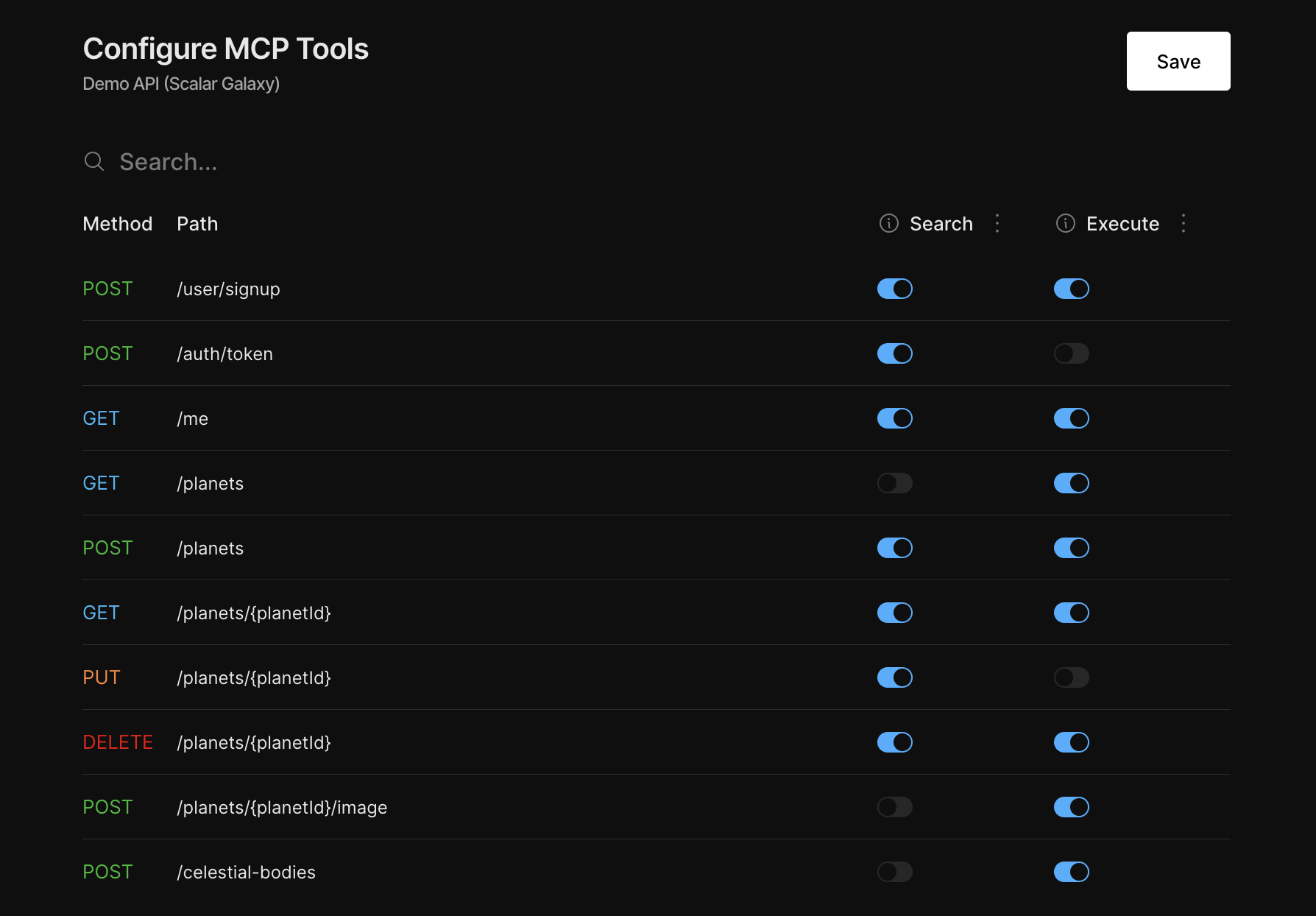
To configure your tools, go to your API doc page under Registry in the Scalar dashboard, scroll to Agent Settings, and click Configure Tools. From there you can add or remove endpoints and configure how each one behaves:
| Mode | Description |
|---|---|
| Search | Exposes the endpoint for lookup only — no real API calls are made |
| Execute | Makes real, authenticated requests to your API |
API Authentication
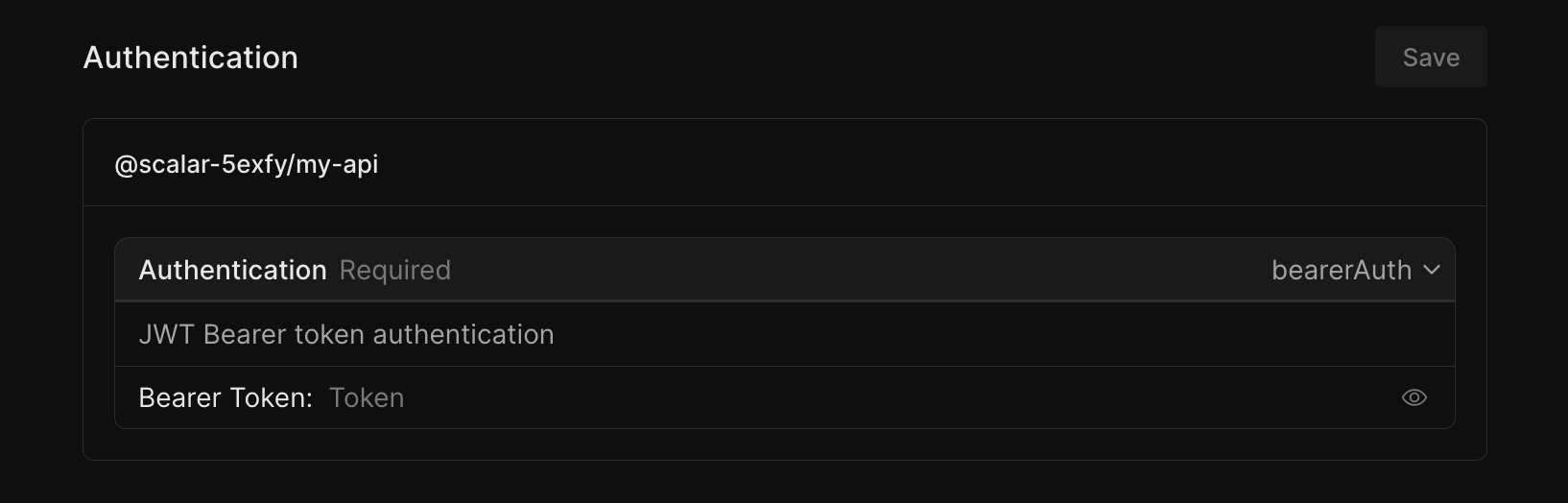
Authentication is configured per installation in the Scalar dashboard. This lets your MCP make authenticated requests to your API without exposing credentials to the client.